Use Boost Codes, Get Noticed on Facebook

Selling a used vehicle or car accessory can feel like shouting into the void. You post on a listing site, refresh a few times, and still wonder if the right buyers ever saw it. Cross-posting to Facebook means starting over—another form, another set of photos, another wait.
Chaverly Marketplace is built for that gap. Add your listing once, keep it discoverable on Chaverly, and optionally boost it to Facebook from the same dashboard.
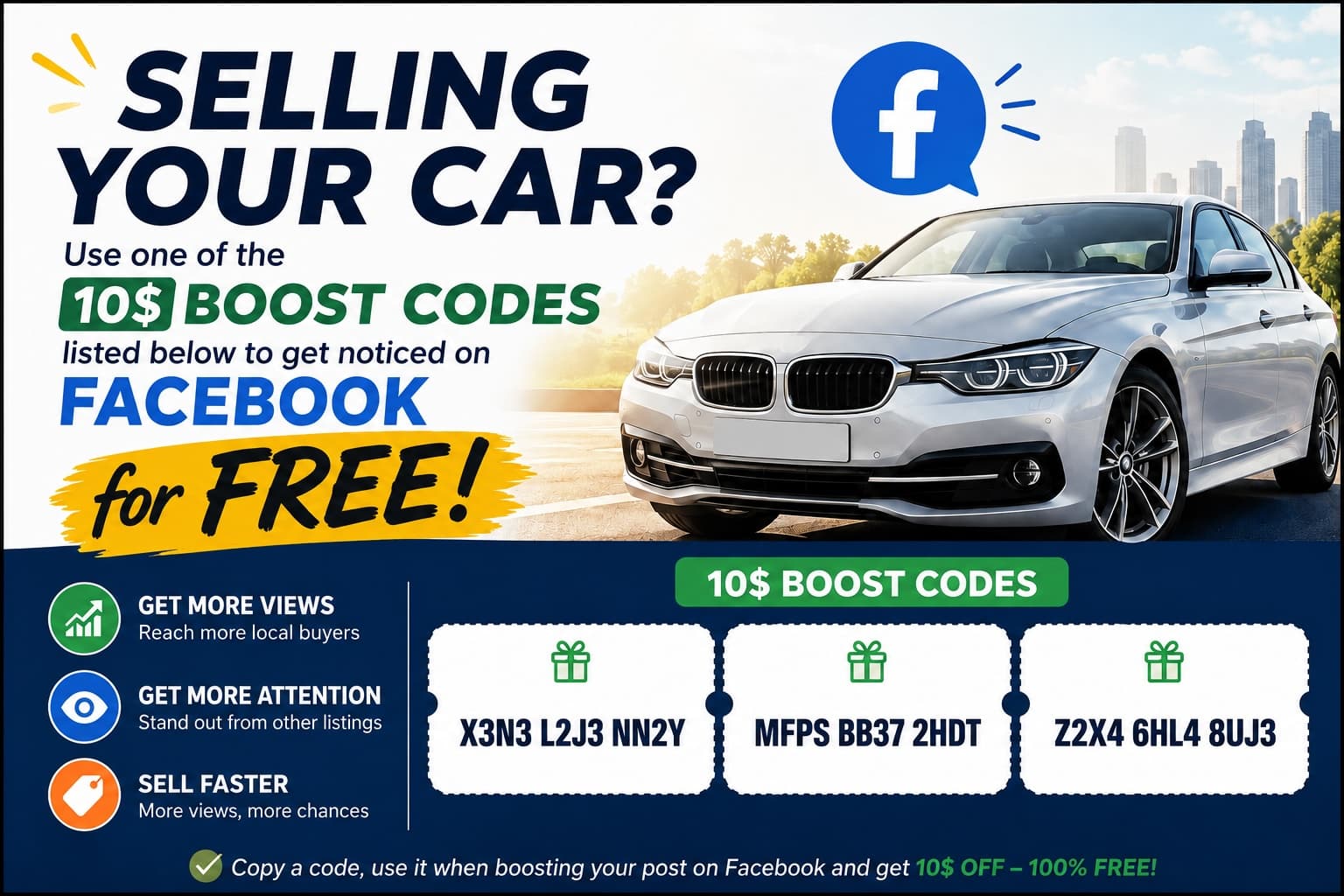
Right now we’re giving away free $10 Boost codes so you can try it at no cost:
X3N3 L2J3 NN2YMFPS BB37 2HDTZ2X4 6HL4 8UJ3
Copy one, then follow the steps below.
Here's how
1. Sign up (it’s free)
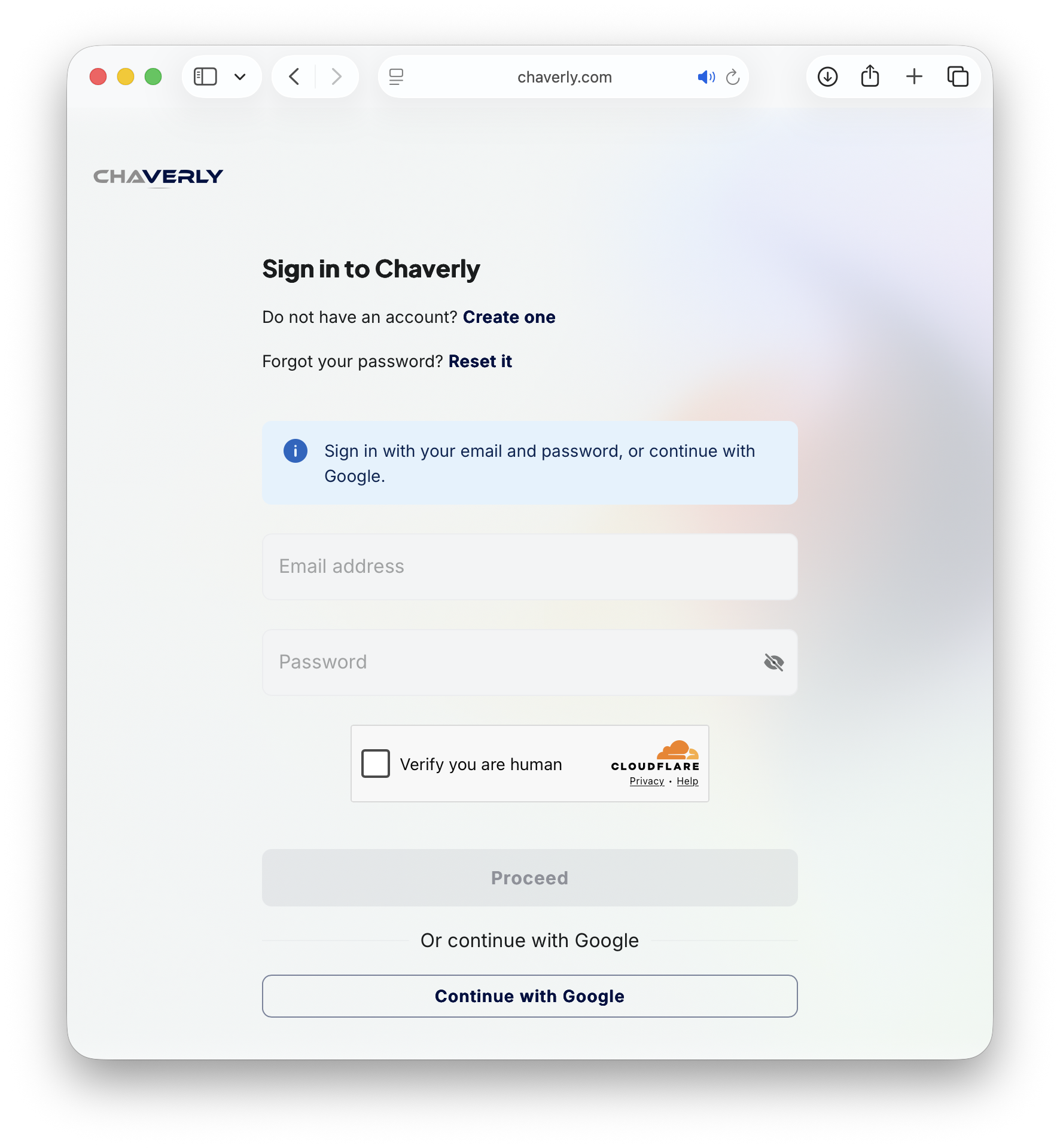
Go to chaverly.com, create an account—or sign in if you already have one. You can use email and password, or continue with Google.
2. Add your listing
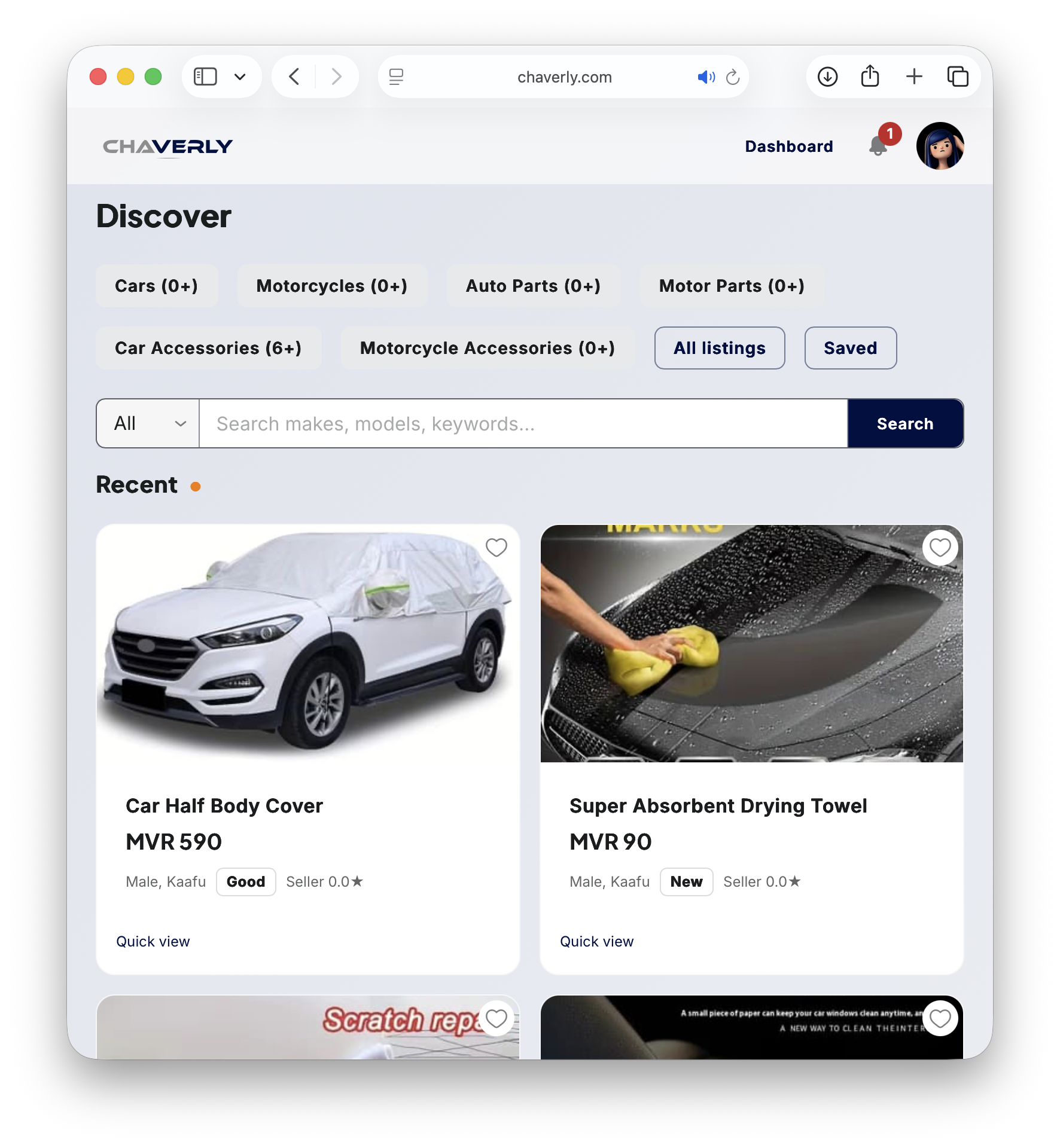
From Discover, browse the marketplace or open your Dashboard and add a listing with clear photos, price, and a short description. Once it’s live, buyers can find it on Chaverly under categories like Cars, Auto Parts, and Car Accessories.
3. Open Preview / Boost on FB
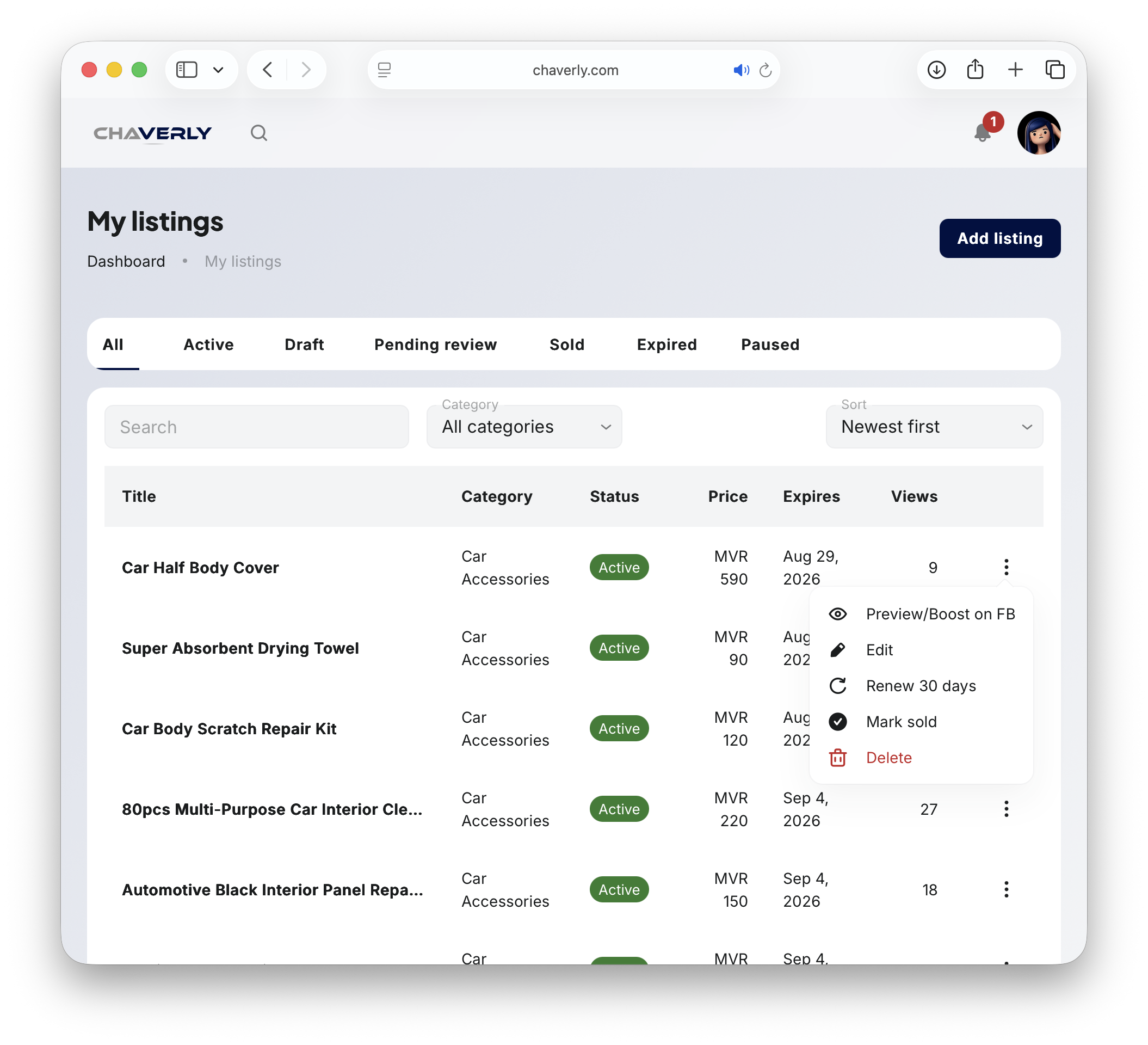
Head to My listings, find the item you want to promote, open the ⋮ menu on that row, and choose Preview/Boost on FB.
4. Boost on Facebook
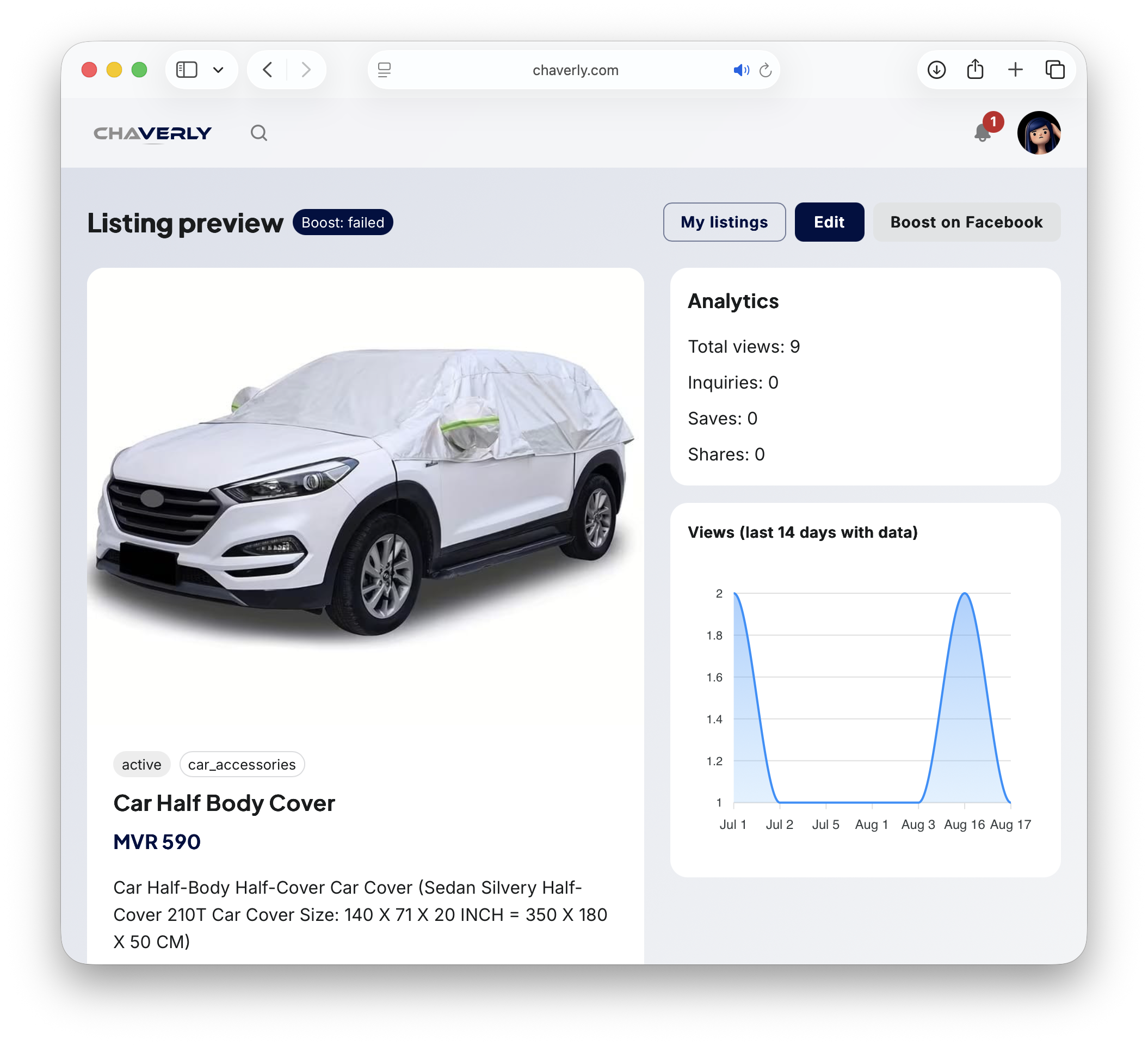
On the listing preview page, check your photos and details, then click Boost on Facebook.
5. Redeem your Boost code
In the Boost modal:
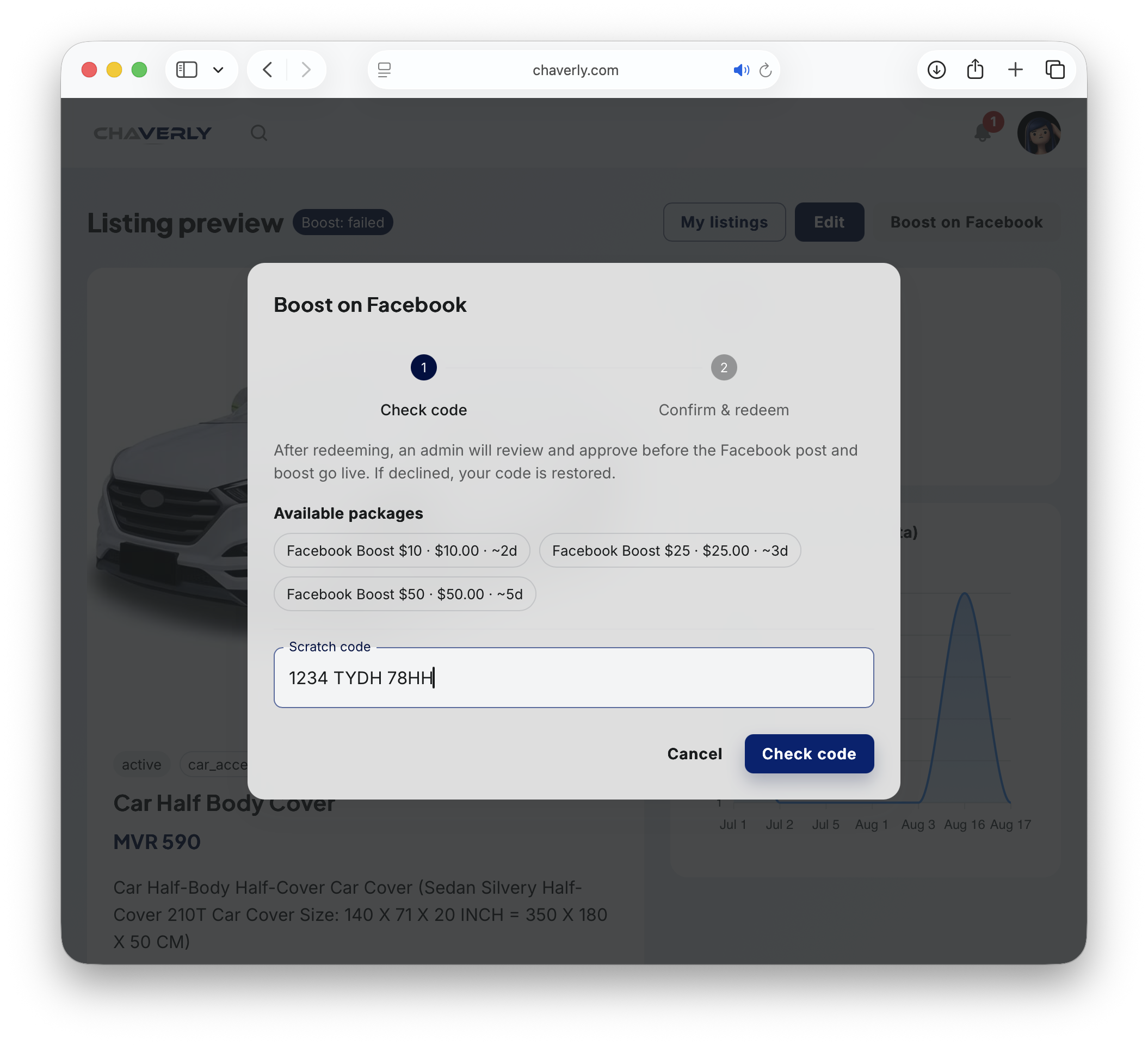
- Pick a package (a $10 code covers the Facebook Boost $10 · ~2d option).
- Paste your scratch code into the Scratch code field.
- Click Check code, then confirm and redeem on the next step.
After you redeem, an admin reviews the request before the Facebook post and boost go live. If it’s declined, your code is restored so you can try again.
6. Watch the views come in
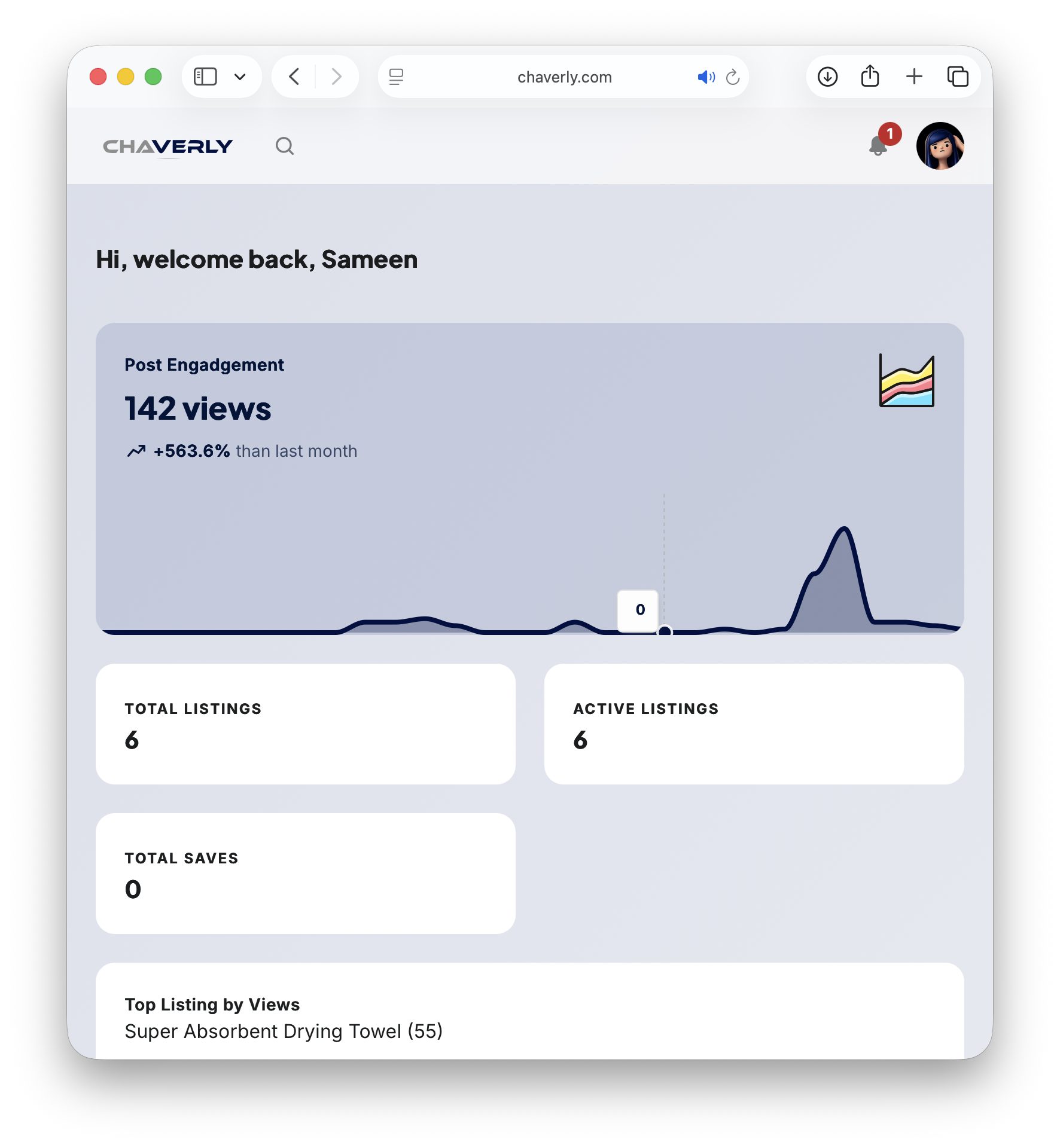
Once the boost is approved, track engagement from your dashboard—total views, active listings, and which item is pulling the most attention.
Get Started
A boost puts your listing in front of more local Facebook users without leaving Chaverly. You still get the marketplace listing; you also get a short, paid push on Facebook.
Ready when you are: sign in, list your item, and redeem a Boost code before they’re gone.